









The Kitting Process: 9 Steps to Accurate, Traceable Kits
By Daryl Grove · October 22, 2026 · 13 min read
What Is Kitting in a Warehouse? A Plain-Language Definition
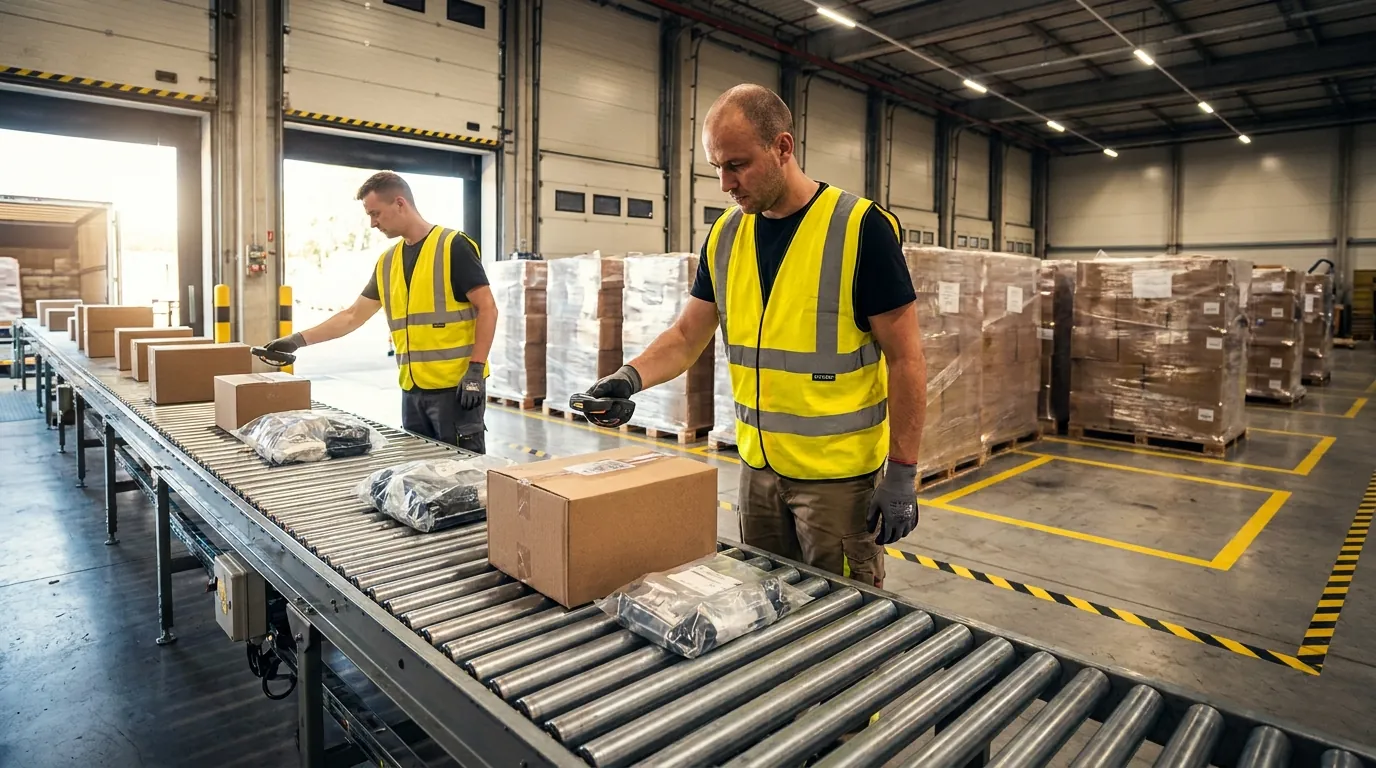
Kitting in a warehouse means gathering separately stocked components and combining them into one ready-to-use unit, a kit, that is stored, tracked, or shipped under its own SKU. The components themselves do not change. What changes is how they are packaged, labeled, and accounted for in inventory.
That accounting step is what separates a controlled kitting process from an improvised one. Once components become a kit, inventory has to shift from component-level records to a kit-level record, usually a parent SKU defined by a bill of materials (BOM). If nobody controls that shift, on-hand counts for components and finished kits drift apart, and planners stop trusting either number.
Kits can be built ahead of demand (pre-kitting, also called kit-to-stock) or assembled when an order arrives (kit-to-order). Both approaches aim for the same result: fewer touches and fewer decisions where the items are actually used, whether that is a shipping dock, a production line, or an operating room.
Real-World Kitting Examples
The physical work varies by industry, but the control requirements look much alike:
- 3PL client kits: A consumer brand asks its 3PL to pack a product, a charger, and an insert card into a retail-ready starter kit, following packaging rules specific to that client.
- Manufacturing line-side kits: A distribution center picks every fastener, bracket, and harness one work cell needs for a production run, then delivers them to the line together so assemblers no longer walk to stock.
- Medical and surgical kits: Procedure trays and instrument sets bundle sterile, lot-controlled items, and each component's lot number and expiration date must be recorded.
- E-commerce subscription boxes: Monthly boxes combine a rotating mix of SKUs and are often built in batches before a ship window opens.
- Aftermarket service kits: A parts distributor bags the gaskets, seals, and filters needed for one maintenance interval, so a field technician carries everything for a single repair in one package.
Why Operations Adopt Kitting
The main reason is to move work away from the time-critical moment. Building kits in advance shortens fulfillment and line-feed time, cuts picking errors on complex orders, and simplifies packing, since a single scan replaces many.
Other common drivers:
- Less travel and handling for pickers on high-volume item combinations
- Smoother production flow, because operators receive exactly what each job requires
- A new billable service that 3PLs can sell to their clients
- Stronger traceability, since lot and serial data gets captured at kit build instead of reconstructed after the fact

Kitting and Assembly: How They Differ and Where They Overlap
Kitting groups components without altering them. Assembly joins components into a new, functional product. A kit can usually be opened and its contents put back on the shelf as sellable items, while an assembled product generally cannot be taken apart that cleanly.
That difference shapes inventory control. In a kit, each component remains a recognizable item, so de-kitting and returning units to stock are realistic options. In assembly, the components are consumed into a finished good, so the WMS or ERP records something closer to a production transaction: component quantities are backflushed and a new item enters inventory.
Even so, warehouses tend to discuss the two together. Light assembly blurs the line, and kitting shares its core mechanics with assembly: a bill of materials, a work order, component picking, a work station, verification, and a parent SKU received into stock. If you are comparing systems, check how each one handles both transaction types. This overview of what to weigh when choosing a WMS covers the broader criteria.
Where Kitting and Assembly Overlap
The overlap shows up in light assembly and value-added services (VAS). Think of attaching a battery to a handheld scanner before boxing it with a charger and strap, inserting a configured SIM card into a phone kit, or snapping a handle onto a saw before packing it with spare blades.
Treat jobs like these as one work order with two stages. The first stage consumes components into a sub-assembly. The second groups that sub-assembly with other items to form the finished kit. Define both stages in the BOM so labor time, component usage, and the final SKU are all captured. 3PLs should price each stage separately, because assembly typically takes more skill and time than packing does.
Kitting vs. Assembly vs. Bundling: Comparison Table
Bundling is often mistaken for kitting. A bundle is usually a sales or order-level grouping: items are sold together but may be picked separately and never physically combined ahead of time. The table below shows where each approach fits.
| Attribute | Kitting | Assembly | Bundling |
|---|---|---|---|
| Components changed? | No | Yes, joined into a new product | No |
| Physical combination | Yes, packaged together | Yes, built together | Often no; combined at pack or virtually |
| New SKU created | Yes, kit parent SKU | Yes, finished good SKU | Sometimes, often a virtual SKU |
| Reversible | Usually (de-kitting) | Rarely | Yes |
| Typical trigger | Forecast or order | Work order or production plan | Customer order or promotion |
| Example | Surgical procedure tray | Scanner with battery installed | Shampoo and conditioner promo pack |
The Kitting Process Step by Step
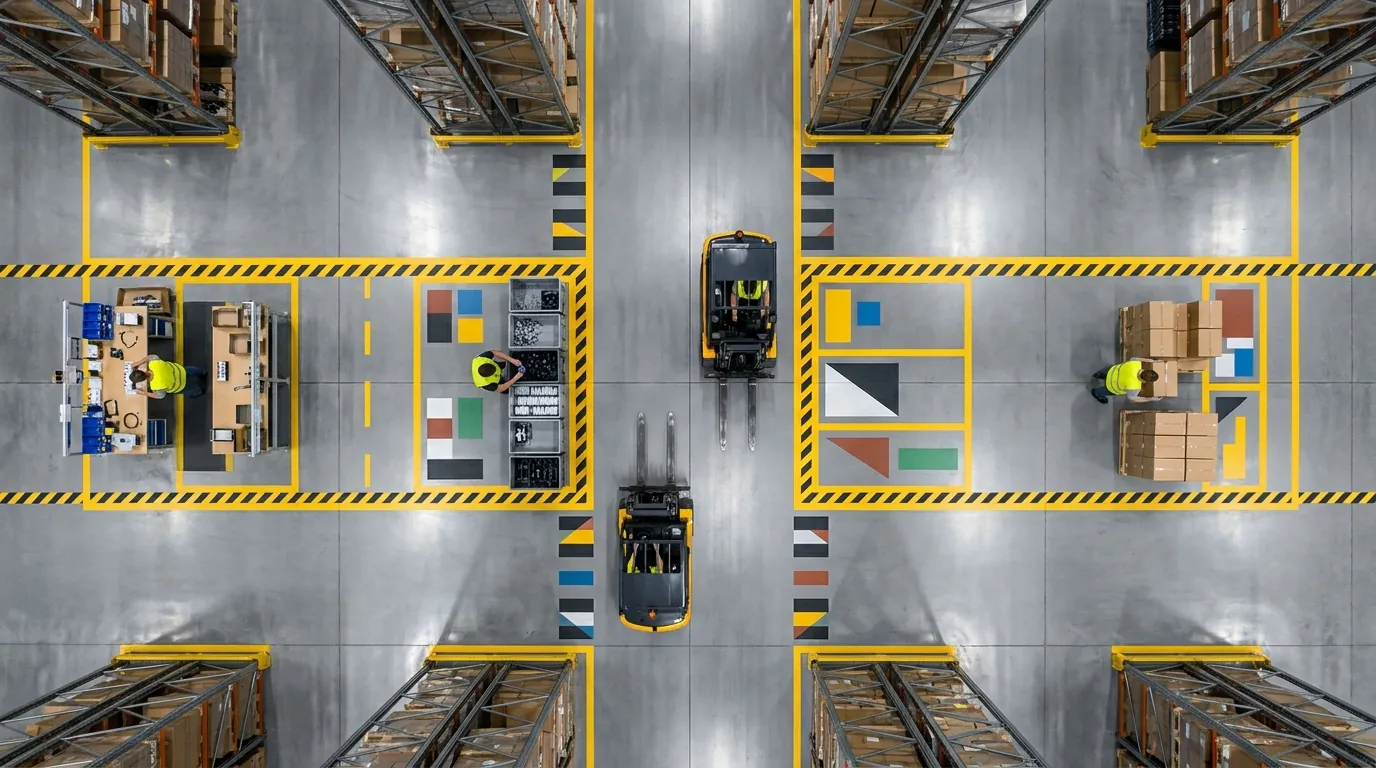
Nine steps take a kit from definition to shelf or truck, and each one should write a system record so component and kit counts always reconcile. Treat every build as a controlled inventory transaction rather than a packing task. Skipped reservations and unverified builds are where most mis-kits and count mismatches begin.
Steps 1-3: Kit BOM, Demand Trigger, and Component Reservation
- Build the BOM and parent SKU. List every component, quantity, unit of measure, approved substitute and revision. Give the kit its own SKU, barcode, dimensions and weight so it can be slotted, shipped and billed. Version control keeps a BOM edit from silently changing builds already underway.
- Trigger demand. Stocked kits start from a replenishment rule, such as on-hand quantity falling below a minimum. On-demand kits start from a sales order, production order or client request.
- Reserve components. Before work begins, hard-allocate exact quantities while honoring lot, expiration, FEFO/FIFO and client ownership rules, so no other order consumes a part mid-build.
Steps 4-6: Work Order, Directed Picking, and Assembly
- Release a work order. It names the kit, quantity, station, due time and reserved parts. That document becomes the audit trail for labor, materials and output.
- Direct picking to the station. Pickers get sequenced tasks and stage components at the bench. Batching parts for several identical kits cuts travel.
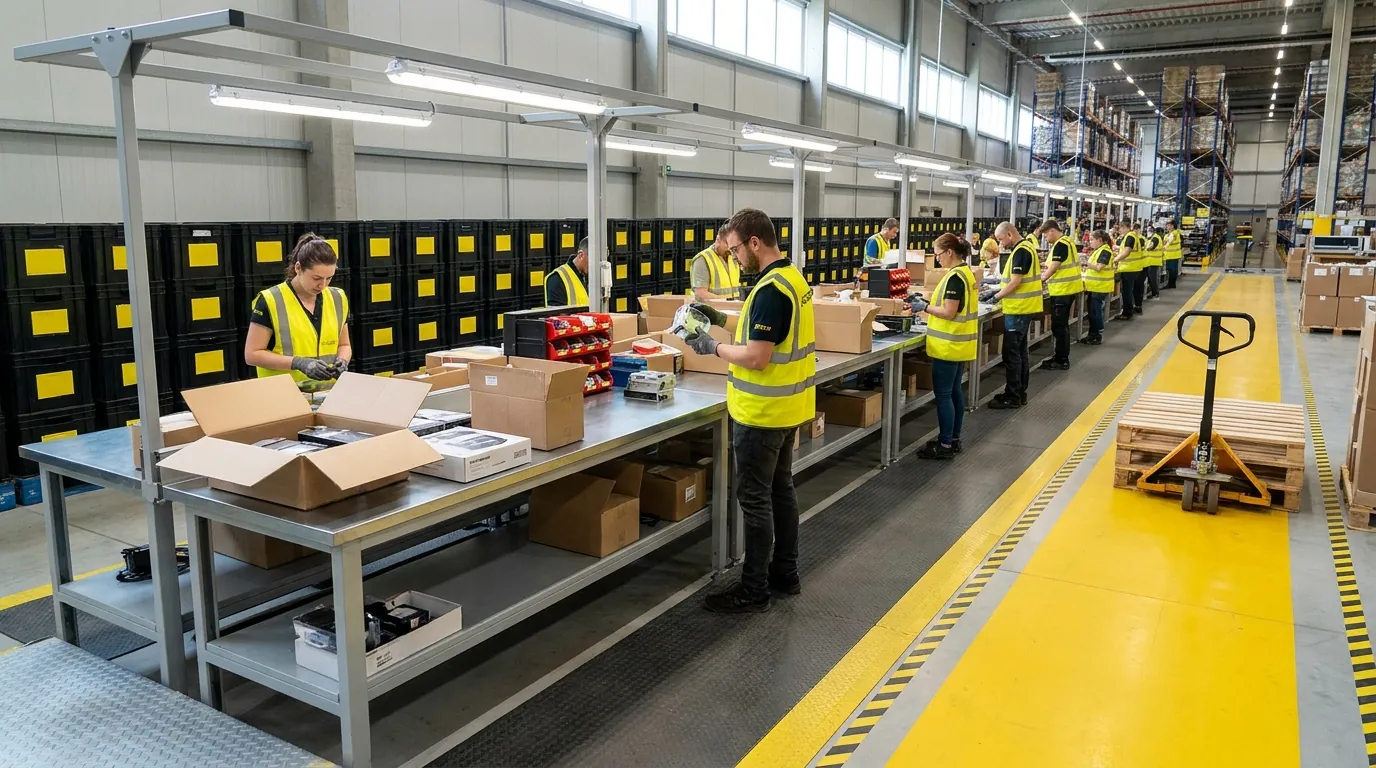
- Assemble. Operators follow build instructions with photos covering sequence, orientation and inserts. Lay out benches using sound warehouse safety practices so repetitive reaching and lifting stay within reasonable limits.
Steps 7-9: Scan-Verified QC, Labeling, and Putaway or Ship
- Scan-verify. Each component is scanned against the BOM, and the system blocks completion on a wrong item, quantity or lot. Add weight checks for high-value or regulated kits.
- Label for traceability. Print a kit label carrying the parent SKU and, where needed, a serial or lot number linked to each component's lot. Medical kits may require FDA Unique Device Identification labeling.
- Put away or ship. Stocked kits go to a slotted location through your normal putaway process, while on-demand kits move straight to packing. Completion decrements components and increments the kit in one transaction.
Kit-to-Stock vs. Kit-to-Order: A Decision Table
Pre-kit when demand is predictable and speed matters. Build on demand when volume swings or parts are scarce.
| Decision factor | Favors pre-kitting | Favors building per order |
|---|---|---|
| Demand | Stable, forecastable | Volatile, promotional or custom |
| Component supply | Plentiful, low cost | Scarce or shared with other orders |
| Labor | Spare off-peak capacity | Staff available at order time |
| Cycle time promise | Same-day or tight line-feed windows | Longer lead time acceptable |
| Configurations | Few, high volume | Many, low volume |
| Obsolescence risk | Low | Expiring lots or frequent BOM changes |
Many sites run a hybrid: pre-kit top configurations to a target level and assemble the long tail as orders arrive.
Common Kitting Process Challenges and How to Prevent Them
Most kitting problems come from two gaps: component and kit inventory that never get reconciled, and labor and demand that get planned separately. The fixes are mostly process and system controls, not extra headcount.
Component-Level vs. Kit-Level Inventory Mismatches
The typical symptom is a system that shows components as available when they are already sealed inside finished kits, or one that lists kits nobody actually completed. This usually happens when operators record kit completion by hand, or when someone updates a spreadsheet hours after the work is done.
To prevent it, make kit completion one transaction that consumes the components and creates the kit at the same moment. Block that transaction until every component has been scanned. Cycle count kit locations and component locations on matching schedules so any variance shows up within days rather than at year-end.
Tied-Up Component Stock and Kit Demand Forecasting
Pre-kitting locks parts into finished kits. When demand shifts, those parts can't fill other orders, which can trigger artificial stockouts on shared components.
Forecast demand at the kit level first, then explode that forecast through the BOM to get component requirements. Keep min/max levels conservative for kits built from parts that appear in many other kits. Check how quickly each kit turns on a regular cadence so slow movers get caught before they strand scarce parts.
De-Kitting and Returns
De-kitting runs the work in reverse: a finished kit is broken down and its components go back to available stock. You need it for customer returns, excess pre-built inventory and BOM revisions.
Treat each teardown as its own work order. Inspect every component, record a disposition (restock, quarantine or scrap), and restore each part's original lot numbers and serials. If you skip these steps, returned kits sit in limbo and inflate on-hand counts for an item nobody can sell.
Labor Planning for Kitting Stations
Kitting labor is easy to underestimate because it falls between picking and packing. Build standard times for each kit type from completed work orders rather than guesses, then schedule pre-kitting into off-peak windows. Cross-train operators on kit families, and use work order queues to spread demand across stations instead of letting a spike bury one team. Better labor planning is also one of the most practical ways to manage a warehouse without breaking the bank, since it adds capacity without new hires.
How a WMS Runs Kitting and Assembly
A warehouse management system holds kitting together by owning every handoff. It maintains the kit BOM, reserves components, issues work orders, sends pickers to build stations, requires a scan at each step, and posts the transaction that consumes components and creates the finished kit. Without those controls, the work falls back on spreadsheets and on whoever remembers last month's packaging change.
A quick test for your current system: does it treat a kit as real inventory with its own lifecycle, or only as a list of items on a pick ticket?
Virtual Kits vs. Physical Kits
A virtual kit exists only as a sellable SKU. When an order arrives, the WMS breaks it into component picks, and nothing is built ahead of time. This suits promotional bundles and combinations that sell in small numbers.
A physical kit is assembled, labeled, and stored as its own item. It fits high-volume pre-kitting programs and regulated kits that must pass verification before release. Your software should handle both models and let you move a kit between them as demand shifts.
Some operations launch a new kit as virtual, watch order volume for a few weeks, and convert it to a physical build once demand is steady enough to justify assembling units in advance.
Work Orders, Lot Control, and Serial Traceability
A work order connects demand, components, labor, and output in one record. A capable WMS captures which lots and serial numbers went into each kit, who built it, at which station, and when. With that genealogy on file, a recall or quality question takes minutes to answer instead of days, which matters for medical, food, and electronics kits.
3PL Value-Added Service Billing and Client Kit Rules
For third-party logistics providers, every kit built is billable work. The system should record charges as they occur (per kit, per component handled, per label applied, or per labor minute) and apply each client's rates automatically. Rebuilding invoices from paper logs is where charges quietly go missing.
Client rules need the same enforcement: packaging specs, insert versions, strict separation of each client's inventory, and approval before anyone edits a BOM. Shippers often weigh these controls when choosing the right 3PL provider.
How a WMS Supports End-to-End Kitting Workflows
A warehouse management system designed for kitting can run each build as a controlled workflow rather than a side task. When you evaluate platforms, look for parent-SKU and BOM setup, component allocation, kitting work orders, directed picking to stations, scan-verified builds, and lot and serial capture at the kit level.
For 3PL operators, the platform you evaluate should offer client-specific configuration and VAS billing, so build work is recorded the moment it happens. De-kitting workflows should return parts from customer returns or surplus kits to available stock with traceability intact. The goal is one system of record for components and kits, rather than a WMS plus a spreadsheet.
Test these functions with your own data during selection. Load one of your real kit BOMs, build a few units, tear one down, and confirm that counts for parts and finished kits still match afterward. These tips for choosing WMS software cover other questions worth raising before you commit.
Kitting Process KPIs to Track
Five measures give a balanced view of how well your kitting operation performs: kit accuracy, kits per labor hour, kitting cycle time, component fill rate and kit inventory turns. Read together, they cover quality, productivity, flow and inventory health, so a gain in one area does not quietly hide a loss in another. Faster builds mean little if accuracy slips.
Pull baselines from your own work order history before you set any targets. A three-piece promotional bundle and a forty-component service kit have almost nothing in common, so published industry benchmarks rarely tell you much. Compare each kit family against its own past performance instead.
Accuracy and Quality KPIs
- Kit accuracy: Kits built correctly ÷ total kits built. Measure it at quality control, then again using customer or line-side complaints, since some errors only surface after the kit leaves the building.
- Component fill rate: Work orders with every component available at release ÷ total work orders released. A low figure usually points to forecasting gaps or reservations that never happened.
- Kit-to-component inventory variance: Discrepancies found when cycle counting both finished kit locations and component bins. Recurring variance often means components were consumed without being recorded against an open job.
Productivity and Flow KPIs
- Kits per labor hour: Completed kits ÷ direct kitting labor hours. Track it by kit family so a shift spent on complex builds does not look like a bad day.
- Kitting cycle time: Elapsed time from work order release to kit completion. For on-demand builds, extend the clock through shipment, because that is the delay your customer actually feels.
- Kit inventory turns: Cost of kits shipped ÷ average kit inventory value. Low turns suggest you are pre-building too far ahead and tying up components that other orders could use.
When to Outsource Kitting and Assembly
A 3PL can make sense when volume swings with the seasons, when labor or floor space is tight, or when building kits pulls attention away from your core operations. Keeping the work in-house is usually the better choice when kits depend on proprietary know-how, connect closely to production, or follow bills of materials that change often.
Whichever route you choose, the same KPIs should apply. Require any provider to run a system that records accuracy, component genealogy and billing at the work-order level, so you can compare their kitting results against your own baseline. Request a Demo to see Cadre Technologies in action.
Frequently Asked Questions
What is kitting in a warehouse?
Kitting means gathering separately stocked components and combining them into one ready-to-use unit that is stored, tracked or shipped under its own SKU. The components are not altered. Only packaging, labeling and inventory accounting change. A parent SKU defined by a bill of materials replaces component-level records, which keeps counts for parts and finished kits aligned.
What is the difference between kitting and assembly?
Kitting groups components without changing them, while assembly joins them into a new, functional product. Kits can usually be de-kitted and their parts returned to sellable stock, but assembled goods rarely come apart cleanly. In a WMS or ERP, assembly behaves more like a production transaction: component quantities are backflushed and a finished good enters inventory.
What are the steps in the kitting process?
There are nine steps: build the BOM and parent SKU, trigger demand, reserve components, release a work order, direct picking to the station, assemble, scan-verify, label for traceability, then put away or ship. Each step should write a system record. At completion, components are decremented and the kit is incremented in one transaction.
Should I pre-kit or build kits to order?
Pre-kit when demand is stable and speed matters, such as same-day shipping or tight line-feed windows. Build per order when demand is volatile, parts are scarce or shared with other orders, or you have many low-volume configurations. Many sites run a hybrid, pre-kitting top configurations to a target level and assembling the long tail as orders arrive.
How do you prevent kit and component inventory mismatches?
Make kit completion a single transaction that consumes components and creates the kit simultaneously, and block it until every component has been scanned. Mismatches usually come from manual completion entries or spreadsheets updated hours after the work. Cycle counting kit locations and component bins on matching schedules surfaces any variance within days rather than at year-end.
What KPIs should I track for kitting?
Track kit accuracy, kits per labor hour, kitting cycle time, component fill rate and kit inventory turns. Together they cover quality, productivity, flow and inventory health. Set baselines from your own historical work orders by kit family, since a three-piece promotional bundle and a forty-component service kit are hard to compare against generic industry benchmarks.