







Put to Store Warehouse Guide: When It Beats Pick-by-Store
By Daryl Grove · November 12, 2026 · 12 min read
What Is a Put to Store Warehouse?
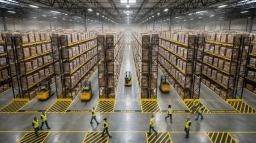
Put-to-store is a two-step fulfillment method. Workers first batch pick the combined quantity of each SKU (stock keeping unit, a unique item identifier) required across many store orders. They then carry that consolidated inventory to a sortation area and distribute it into locations assigned to individual stores until every order is complete.
The core shift is that travel happens once per SKU rather than once per store, so sorting replaces walking. In a put to store warehouse, most labor moves away from long pick paths and into a compact, high-density area where each motion is short and validated by a scan.
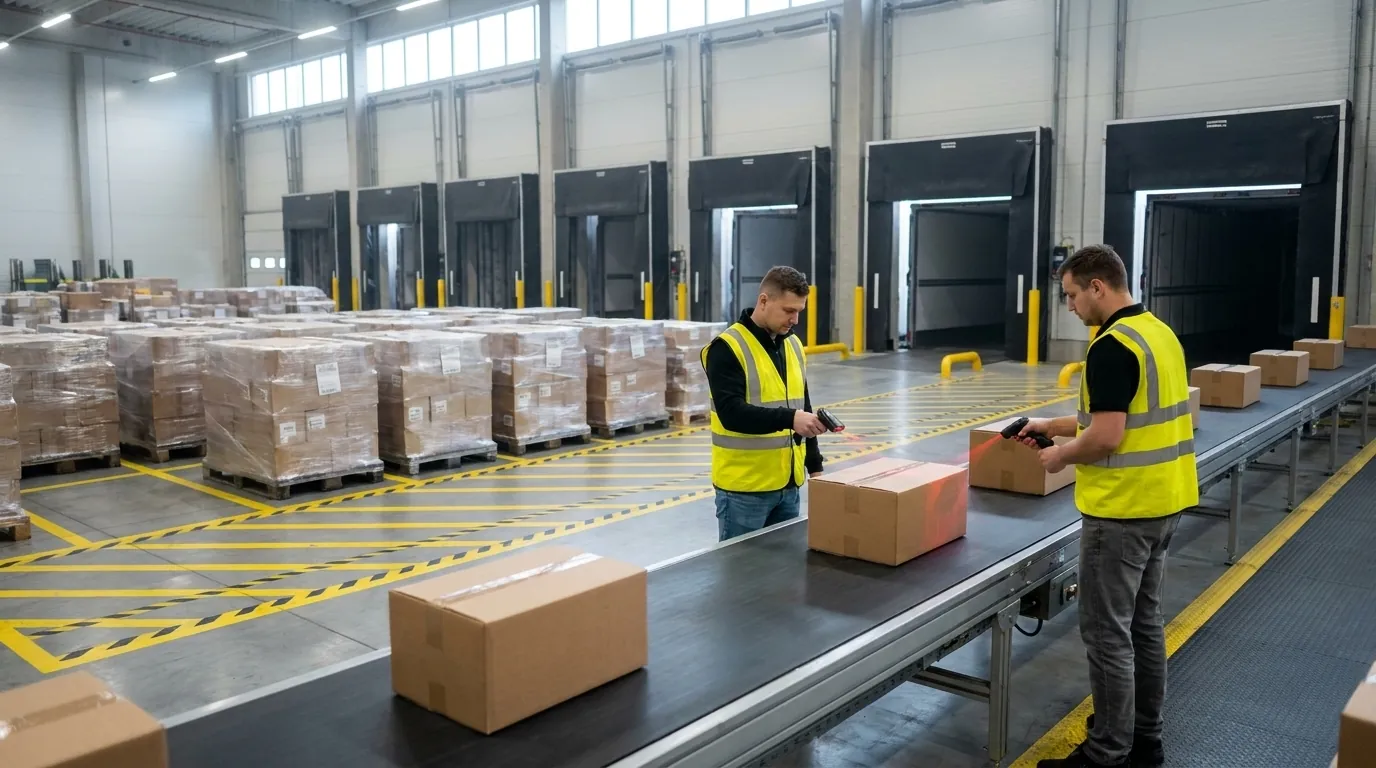
You may also hear it called "reverse order picking" or "store sortation." It fits naturally alongside cross-docking, where inbound goods go straight to outbound store destinations with little or no time in storage.
How the Put Wall and Put-to-Light Process Works
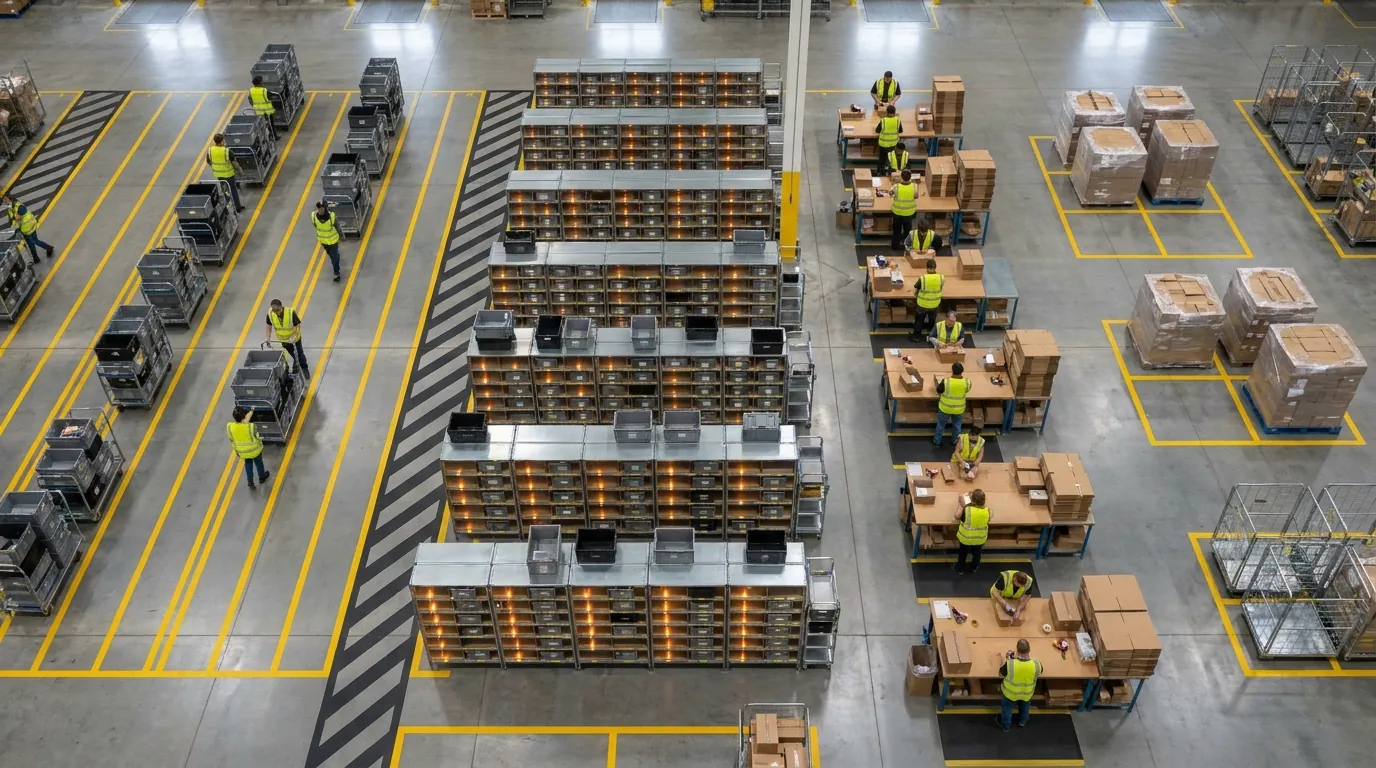
A put wall is a rack of cubbies or shelf positions, with each one assigned to a single store for the current wave. Put-to-light adds a light module and small display at every position. A typical cycle looks like this:
- The operator scans a SKU barcode at the wall.
- Lights turn on at each position that needs that item, showing the quantity to place.
- The operator puts the units in and presses the light to confirm.
- Once a position is full, a separate indicator signals that the carton is ready to close.
Bulky goods follow the same logic at floor-level pallet or cart locations, with RF (radio frequency) handheld scanners standing in for lights.
Why Multi-Store Retailers and Distributors Use It
Retail chains, franchise networks and wholesale distributors ship similar assortments to many locations on a fixed schedule. That repetition is where the approach pays off.
- Less travel: A single pick path serves dozens of stores.
- Higher accuracy: Scan-and-light confirmation catches mis-sorts before cartons are sealed.
- Faster cycle times: Store orders fill in parallel instead of one after another.
- Simpler labor planning: Put stations are easier to staff and train than sprawling routes.
Promotional pushes and new-store allocations add even more value, because allocated quantities flow directly to the wall.
Warehouse to Store Replenishment Explained
Store replenishment covers every step between deciding what each location needs and getting that merchandise onto the correct truck. Put-to-store only performs well when the work before and after it is designed to support it, so it helps to understand the full flow.
The sequence runs roughly like this: store demand signal, order generation, wave planning, picking, sortation, carton close, loading, and delivery backed by an ASN (advance ship notice, an electronic message listing what the shipment contains). Every handoff can gain or lose time and accuracy. Most DCs serving store networks run a mix of stocked and cross-dock flows, and the right picking method depends on which flow a given SKU follows.
Store Order Generation and Wave Planning
Orders usually come from three sources: automated replenishment (min/max or forecast-based), orders entered by store staff, and merchandising allocations for promotions or new items. The WMS groups them into waves, which are batches of work released together to meet a shipping cutoff.
Waves are commonly built by delivery route, truck departure time, or region. A well-designed wave balances pick workload, put wall capacity, and dock schedules so no single zone backs up. That balance also affects people. Congested aisles and overloaded staging lanes are where accidents happen, as our guide to warehouse safety explains.
Cross-Docking vs. Stocked Inventory
With cross-docking, supplier shipments are received and moved straight to outbound store loads without being put away, often within a day. In a stocked model, product sits in reserve and forward pick locations until store orders drop.
Cross-dock freight is a natural fit for this method, because inbound cases already hold consolidated quantities destined for many stores. Stocked items can follow the same approach if the wave is batch picked first.
Where Put-to-Store Fits in the Warehouse to Store Flow
This is the sortation step between picking and carton close, converting one consolidated batch into individual store orders. Upstream, it depends on clean wave release and accurate batch picks. Downstream, it feeds carton close, labeling, ASN creation, and route-based loading. If any of those links is weak, the speed gained at the put wall disappears at the dock.
Order Picking in Warehouse Operations: Put-to-Store vs. Discrete, Batch, Zone, Wave, and Cluster Picking
Order picking in warehouse operations is usually the biggest line item in DC labor, and walking between locations eats a large share of every shift. The method you choose, or the mix of methods, shows up directly in cost per store order. For general background on the discipline, see the order picking overview on Wikipedia.
Quick definitions:
- Discrete (pick-by-store): A picker completes one store order from start to finish.
- Batch: One trip gathers the same SKU for several orders.
- Zone: Workers stay in assigned areas while orders move between them.
- Wave: Orders release in timed groups, often paired with batch or zone.
- Cluster: A cart carries several order totes that fill at once.
- Put-to-store: Total demand is batch picked, then sorted to store positions.
Most facilities blend these. In practice, fast movers might flow through the wall while slow, bulky items stay on discrete picking.
Comparison Table: Travel Time, Accuracy, Labor, and Best Fit
| Method | Travel Time | Accuracy Risk | Labor Profile | Best-Fit Scenario |
|---|---|---|---|---|
| Put-to-store | Lowest per line; one trip per SKU per wave | Low when every put is scanned and confirmed by a lit button | Pickers plus dedicated put operators | Many stores, high SKU overlap, small to medium items |
| Discrete / pick-by-store | Highest; full route per store | Fairly low; simple logic | Easy to train, labor-intensive at scale | Few stores, low overlap, large or unique orders |
| Batch | Low to moderate | Moderate; requires downstream sort | Efficient pickers, added sort step | Small orders with shared SKUs |
| Zone | Moderate; short paths per zone | Moderate; handoff errors possible | Specialized zone staff | Large DCs with distinct product areas |
| Wave | Depends on paired method | Moderate | Strong planning required | Strict truck cutoffs |
| Cluster | Low; one cart loop covers several orders | Moderate; wrong-tote risk | Cart-based, single operator | Medium order counts, compact goods |
Results vary by facility layout, SKU profile, and system support.
Supporting Tools: RF Scanning, Pick-to-Light, and Voice
Technology decides how well any of these methods actually performs.
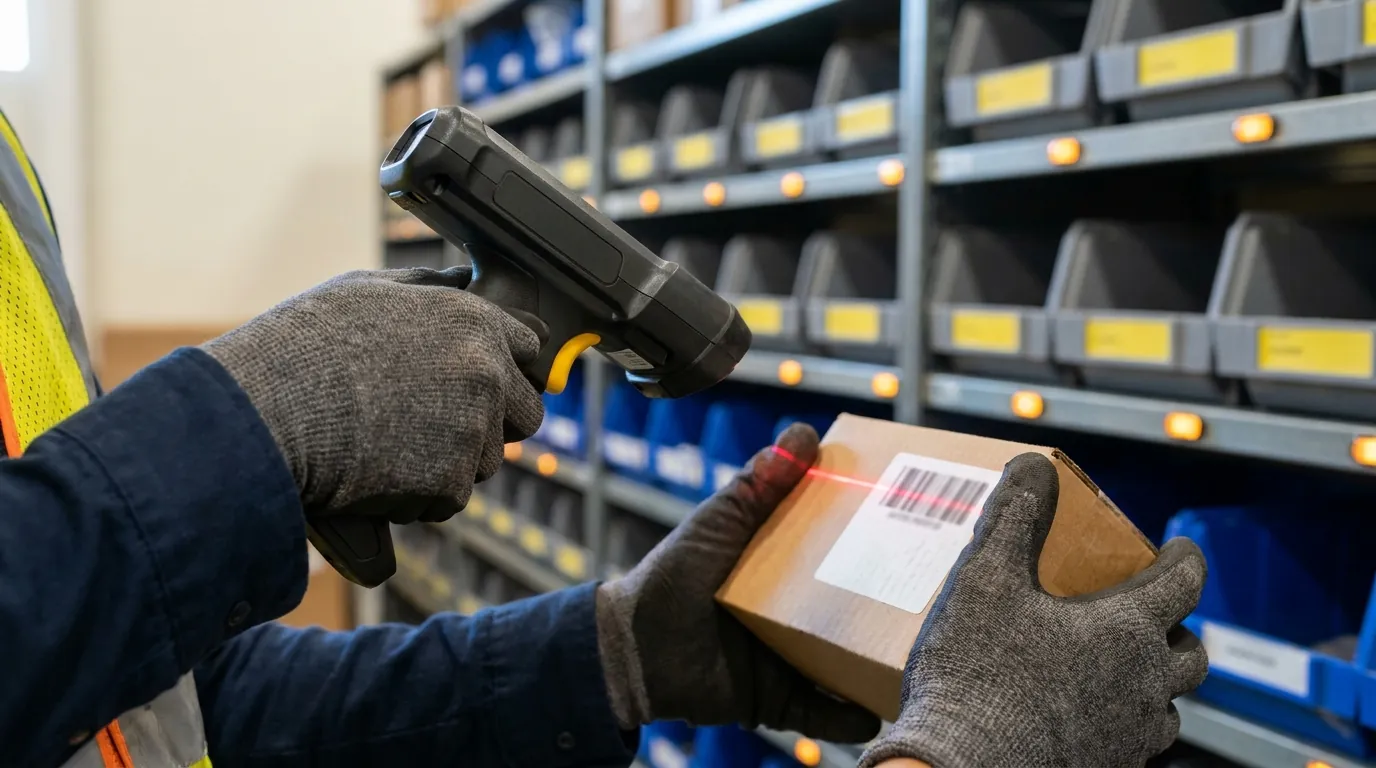
- RF scanning: Handheld or wearable scanners confirm location, SKU, and quantity at every pick and put.
- Pick-to-light: Lights at pick faces show where to go and how many units to grab, common in high-velocity zones.
- Put-to-light: The sortation counterpart, directing each unit to the correct store slot on a put wall.
- Voice picking: Spoken instructions keep hands and eyes free, which helps in case picking, cold storage, and broader efforts to make your warehouse safer for everyone.
Each device is only as accurate as the data behind it, so the software running the floor matters as much as the hardware.
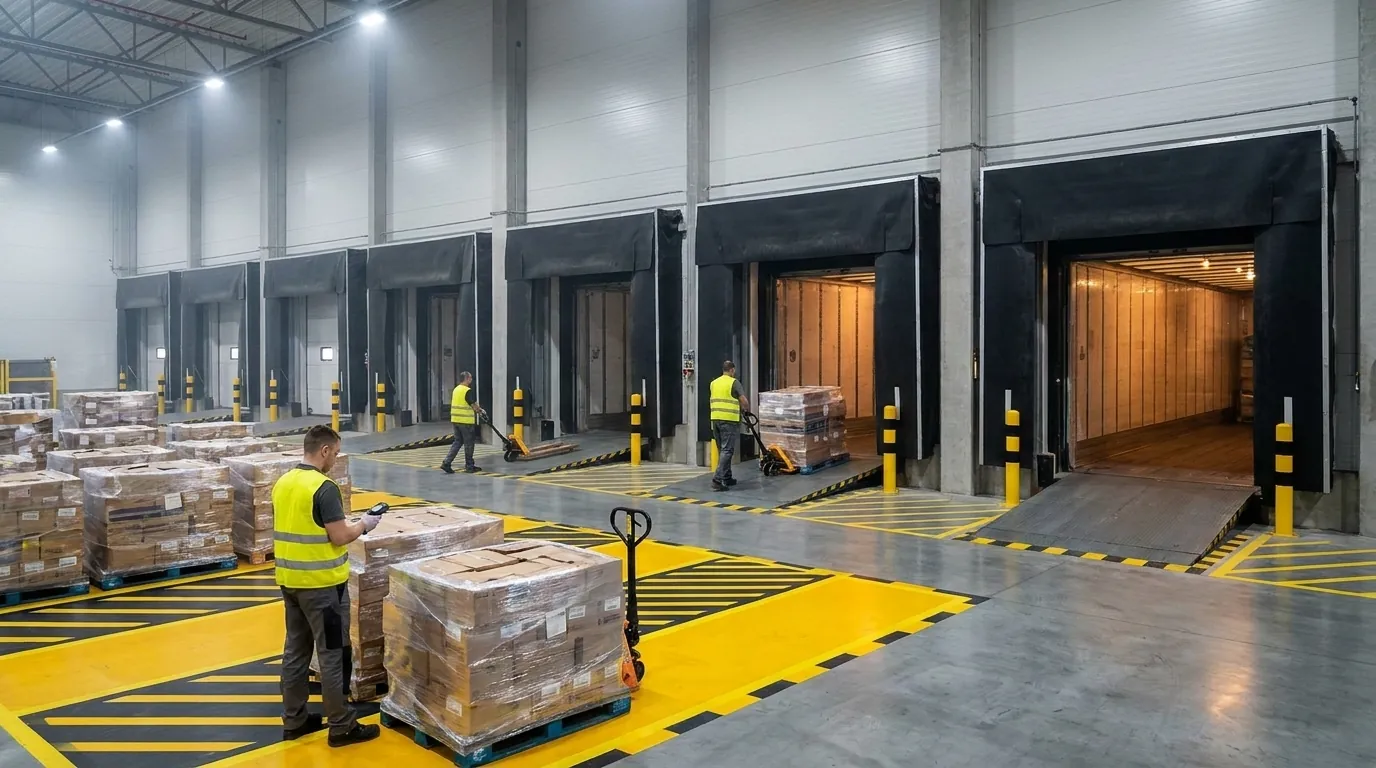
When to Choose Put-to-Store: A Decision Matrix
The put wall method wins when the travel you save by picking consolidated quantities outweighs the extra touch each unit gets during sortation. Whether that holds for your building comes down to a few factors you can measure from existing order history.
Treat the matrix below as a first screen. If most of your answers land in the middle column, a pilot is probably justified. A mixed profile usually points to a hybrid design: high-overlap SKUs or large store groups go to the wall, while everything else stays on discrete or zone picking.
The Five Decision Factors
| Factor | Favors Put Wall Sortation | Favors Pick-by-Store / Discrete |
|---|---|---|
| Stores per wave | 30 or more | Fewer than 15 |
| SKU overlap across stores | High; most locations order the same items | Low; assortments differ widely |
| Lines per store order | Moderate, roughly 20 to 300 | Very high with few stores, or very low volume |
| Volume variability | Stable allocations and replenishment | Erratic, one-off orders |
| Space for walls | Staging area near packing and docks | Tight footprint, no sort space |
Item cube matters too. Small and medium goods fit wall cubbies well, while bulky or heavy products typically remain on pallet-level picking. If you plan to build static walls, our article on how to assemble warehouse shelving covers the basics.
Worked Example: A 120-Store Retailer Replenishing 2,000 SKUs
Picture a hypothetical chain replenishing 120 locations from a 2,000-item assortment. Each store order averages 150 lines, or 18,000 lines a day.
- Store-by-store picking: Pickers run 120 separate trips and make roughly 18,000 location visits.
- Wall sortation: Because overlap is high, daily demand touches about 1,400 unique SKUs. With two waves of 60 stores feeding a 60-position put-to-light wall, pickers visit each slot no more than once per wave, capping travel at 2,800 visits. Operators then complete the 18,000 puts at a compact station.
For a sense of scale, 2,800 visits is under one sixth of the 18,000 that store-by-store picking requires. That is a sharp cut in pick travel in exchange for a second, short-distance touch. Two other costs belong in the math. Put operators need training time before they reach a steady pace, and every added handling step carries a small chance of damage. Neither usually erases the travel savings when overlap runs this high, but both should appear in your measurements.
Real savings depend on slotting, wave sizing and put rates inside your own building, so validate the numbers with a timed pilot before committing.
How to Implement Put-to-Store Successfully
Installing a put wall is not enough on its own. Results depend on how tightly the wave, pick, sort, and ship steps connect. Begin with a pilot covering your highest-overlap SKUs or one delivery region, compare it to a baseline, and expand once accuracy and throughput hold steady. A phased rollout also keeps spending in check, one of several ways to manage your warehouse without breaking the bank.
The Put-to-Store Workflow, Step by Step
- Wave release: The WMS groups store orders by route or cutoff and releases a wave sized to the wall's capacity.
- Batch pick to consolidation: Pickers gather total SKU quantities, scanning every location and item, then bring totes or pallets to sortation.
- Put wall or put-to-light sortation: Operators scan each SKU while lights or RF prompts direct quantities to each store position, confirmed by scan or button press.
- Carton close: Once a position is complete, the operator closes the carton, checks contents, and prints a shipping label.
- Shipment or cross-dock: Cartons move to staging by route and get loaded, and the system sends an ASN.
Implementation Best Practices
- Slotting: Keep high-overlap fast movers near the put stations so batch pick paths stay short.
- Wave sizing: Match stores per wave to available positions so the wall never sits idle or overflows.
- Wall design: Size cubbies to typical store cube. Keep both sides accessible so one side puts while the other closes cartons.
- Barcode validation: Require scans at pick, put, and close, with GS1-compliant labels on cartons and ASNs.
- Exception handling: Set clear rules for shorts, damages, and overs, such as a dedicated exception tote plus WMS-directed reallocation.
- Labor tracking: Record output per operator at each station; a labor management system makes it easier to see where hours go.
- Shipping control: Automate label printing and route assignment so cartons never land on the wrong truck.
KPI Scorecard: What to Measure
Capture these numbers before and after rollout:
- Put accuracy: Correct puts divided by total puts, with a target close to 100%.
- Picks and puts per hour: Measure each separately to see where labor goes.
- Travel time per line: The clearest signal of the method's core benefit.
- Store order cycle time: Elapsed time from wave release to carton close for every store.
- On-time store delivery: Share of shipments arriving within the delivery window.
Review results weekly by wave, shift, and station to catch bottlenecks early. Give each metric a clear owner, such as the wave planner for cycle time or the station lead for accuracy, so someone acts when a number slips.
How a WMS Orchestrates Put-to-Store and Order Picking
Put-to-store only works when a warehouse management system coordinates each step as it happens. Without that control, waves drift out of sync, put walls sit idle waiting on picks, and exceptions end up on clipboards.
A capable WMS can direct store replenishment from order release through loading, while also handling batch, zone, discrete, and cluster picking for the SKUs and orders that call for them. That flexibility is important because most distribution centers serving a store network run a mix of methods rather than one. When you compare platforms, look closely at how each one handles that blend instead of assuming a single method will cover every SKU.
Real-Time Inventory and Wave Release
Good wave planning begins with trustworthy stock data. When on-hand and allocated quantities update with every scan, planners can release a wave only for inventory that physically exists, which cuts down on shorts during sortation. A warehouse management system can typically group waves by criteria such as route, departure time, or store group, so each release matches the number of open wall positions and the loading schedule. For example, a planner might group every store on a Tuesday morning route into one wave sized to fill the wall a single time.
Directed Batch Picking and Put-to-Light Integration
After release, the system can create efficient batch pick paths and guide pickers through RF scanners, checking location, item, and quantity at each stop. At the wall, it drives put-to-light displays or RF prompts, confirms each put, and flags mismatches the moment they occur. That closed loop (scan, direct, confirm) keeps put accuracy steady as volume climbs.
Store Shipment Visibility and Exception Control
Once a carton closes, the system assigns it to a route, prints the label, and sends an advance ship notice so each store knows what is arriving. Supervisors can watch wave progress, open exceptions, and shipment status live. Ideally, that view stretches from inbound receipts to outbound loading, so operations leaders get one picture of replenishment performance instead of piecing it together from separate reports. Tracking does not stop at the dock door either; here is why visibility is important to your shipper network.
Request a Demo to see Cadre Technologies' WMS in person.
Frequently Asked Questions
What is put-to-store picking in a warehouse?
Put-to-store is a two-step method where workers batch pick the total quantity of each SKU needed across many store orders, then sort those units into positions assigned to individual stores. Travel happens once per SKU instead of once per store. Most of the labor shifts to a compact sortation area, where each placement is short and confirmed by a scan.
When does put-to-store beat pick-by-store?
It usually wins when you ship to 30 or more stores in each wave and most locations order the same items. High SKU overlap means one pick trip covers dozens of orders. If you serve fewer than 15 stores with widely different assortments, or lack staging space near packing and docks, discrete picking by store is often the better fit.
How does a put wall with put-to-light work?
A put wall is a rack of cubbies, each assigned to one store for the current wave. The operator scans a SKU, lights turn on at every position needing that item with the quantity displayed, and the operator places the units and presses the light to confirm. A separate indicator signals when a position is full and its carton is ready to close.
What KPIs should I track for put-to-store?
Track put accuracy, picks and puts per hour, travel time per line, store order cycle time, and on-time store delivery. Measure picks and puts separately so you can see where labor is going. Capture a baseline before rollout, then review results weekly by wave, shift, and station to spot bottlenecks early.
Does put-to-store work with cross-docking?
Yes, cross-dock freight is a natural fit because inbound supplier cases already hold consolidated quantities bound for many stores. Those cases can go straight to the put wall without being put away, then get sorted into store cartons. Stocked items can use the same sortation step as long as the wave is batch picked first.