Optimizing Your Warehouse Operations with a WMS
Many back-office operations are becoming easier to manage thanks to digital technologies!
This is true for a wide range of business operations, including information technology, human resources, and a variety of areas. The topic of warehouse management is one area that is witnessing rapid growth in terms of software solutions deployment.
The variety of Warehouse Management Systems (WMS) available today demonstrates that logistics, forwarding, and warehousing solutions will continue to be in high demand. These digital platforms are simplifying business and helping smaller businesses to expand much more quickly than expected and implement WMS solutions. A WMS can be developed in-house or acquired as an off-the-shelf solution. Or could be a combination of the two. To build or buy has been a long-time decision for a company. Fortunately, WMS software has become more flexible, affordable, and easier to implement over the past decade.
The Goal of a Warehouse Management System
The actual benefit of a WMS is to increase efficiency and accuracy in your warehouse processes. The WMS provides capabilities that are very difficult to manage with manual or paper-based processes. An example is the ability to perform a basic task to confirm that the product being picked and shipped…hasn’t expired! Or could expire during transit. While this task can be performed manually, the cost in productivity is enormous. Yet, this is basic functionality that a WMS will bring to a warehouse, among others.
Warehouses are the lifeblood of most companies that are selling and shipping product. For them, being precise with shipping and time management isn’t only about avoiding expenses and delays; it’s part of a bigger product management strategy. The type of business dictates what type of WMS features will be critical. Business to consumer? Speed and accuracy are important and the ability to handle spikes in demand. Business to business? Supporting just in time (JIT) manufacturers is much different than retail store distribution. Complex? Yes, but the basics can be managed via a well implemented, full-featured WMS.
Smarter Warehouse Management Starts Here
Cadre WMS delivers real-time visibility, automated workflows, and seamless ERP integration for warehouses of every size.
Request a Demo
Improving the Warehouse Management Operations through the WMS
The majority of large warehouses have been automated by now. Managers typically seek to replace their legacy warehouse management system with one that meets changing company needs, addresses rising operational costs, and integrates seamlessly with new ERP systems, all while obtaining a quick return on investment (affordability) and making the system implementation as smooth as possible.
Choosing a warehouse management system that meets the company’s objectives, specifications, budget, and expectations takes time and effort, as well as a high level of professional knowledge. The variety of WMS software solutions available, as well as the wide range of warehousing methods and technologies, makes it a tough, but beneficial decision.
All warehouse management systems strive to achieve several objectives that, taken together, should offer the customer the promised advantages. Knowing what to anticipate from a system makes choosing between different WMS’s a lot easier. A logistics-oriented manager should request the following features when replacing a current WMS:
- Improving inventory and operations accuracy
- Maximizing warehouse space efficiency
- Improving order fulfillment
- Delivering a high Return on Investment (ROI)
- Reducing stock while meeting demand
- Shortening decision-making time
1. Save Money with a WMS
Many mid-sized businesses believe that automated warehouse management systems are an expensive investment. However, the expenses of warehouse management solutions are low when compared to the numerous ways they may help you save money and enhance output over time (ROI). Long-term value can in fact, save a business money over the long term.
2. Save Time While Increasing Production
Automation through the WMS and mobile RF technology ensures that the proper resources are directed (directed putaway and picking) to the right places in a cost-effective and timely manner, saving time and the ability to get priority shipments out right away. The WMS can group orders (waving) by shipping timelines, product type, delivery type, storage needs (refrigerated, frozen), and more, to divide up orders efficiently to the workers. This saves time and also allows for less backtracking for the employee, giving them the most efficient route through the warehouse.

3. Increase Your Storage Capacity and Make the Most of Your Space
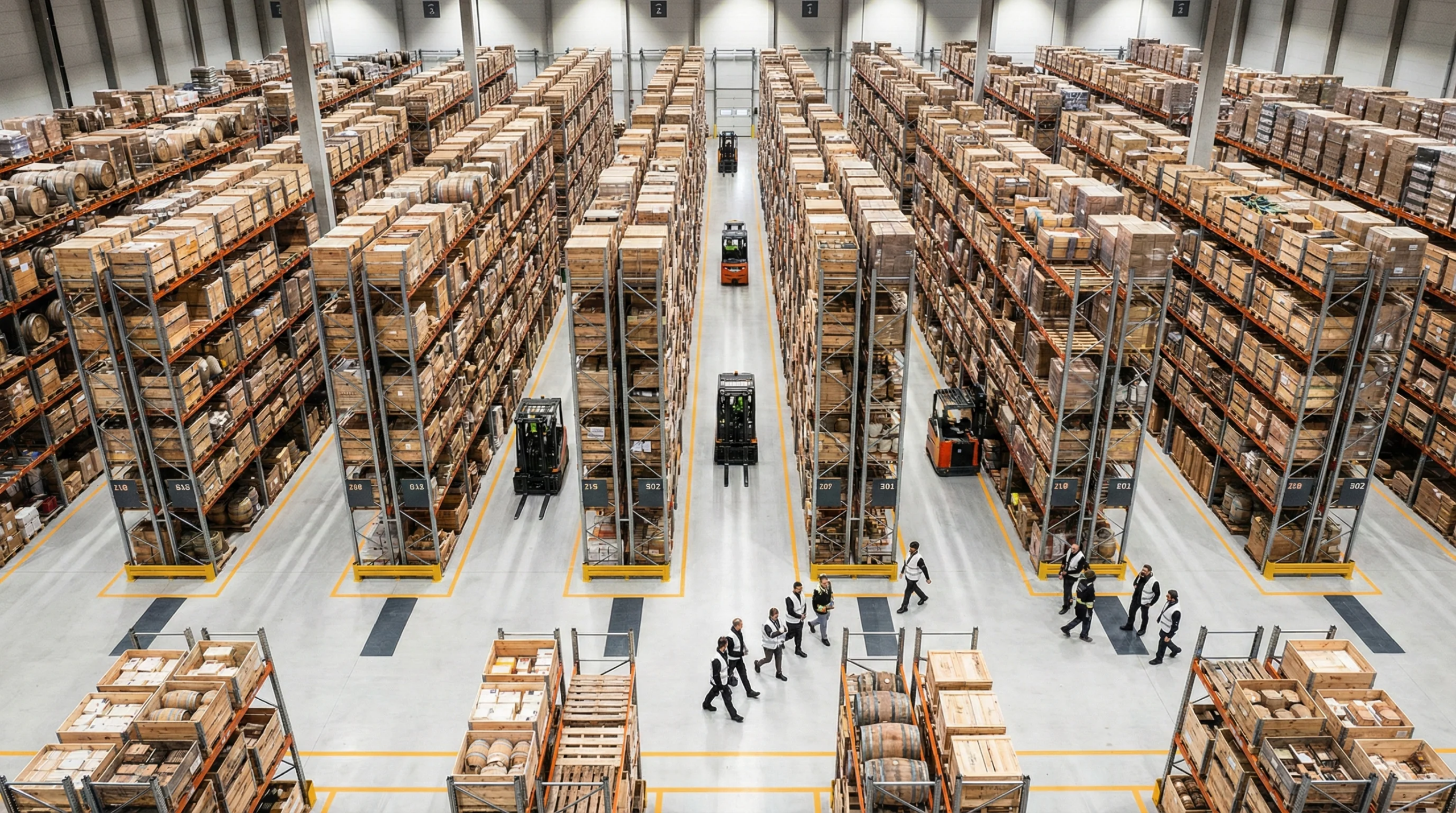
A proper warehouse layout is important. High priority and popular items should be slotted closer to the loading docks. Items typically sold together or kitted together should be stored near each other as well. Replenishments to fast pick locations, should be from letdown locations that are close to the replenishment location. Not only can the WMS direct items to be put away in an efficient place in the warehouse, but it can also direct items to be slotted properly while considering characteristics such as: velocity, size, environmental (i.e., hazmat, cold, etc.). Better, more effective space use correlates to lower costs for additional storage and more efficient warehouse operations.
4. Reduce Errors with Mobile RF Technology
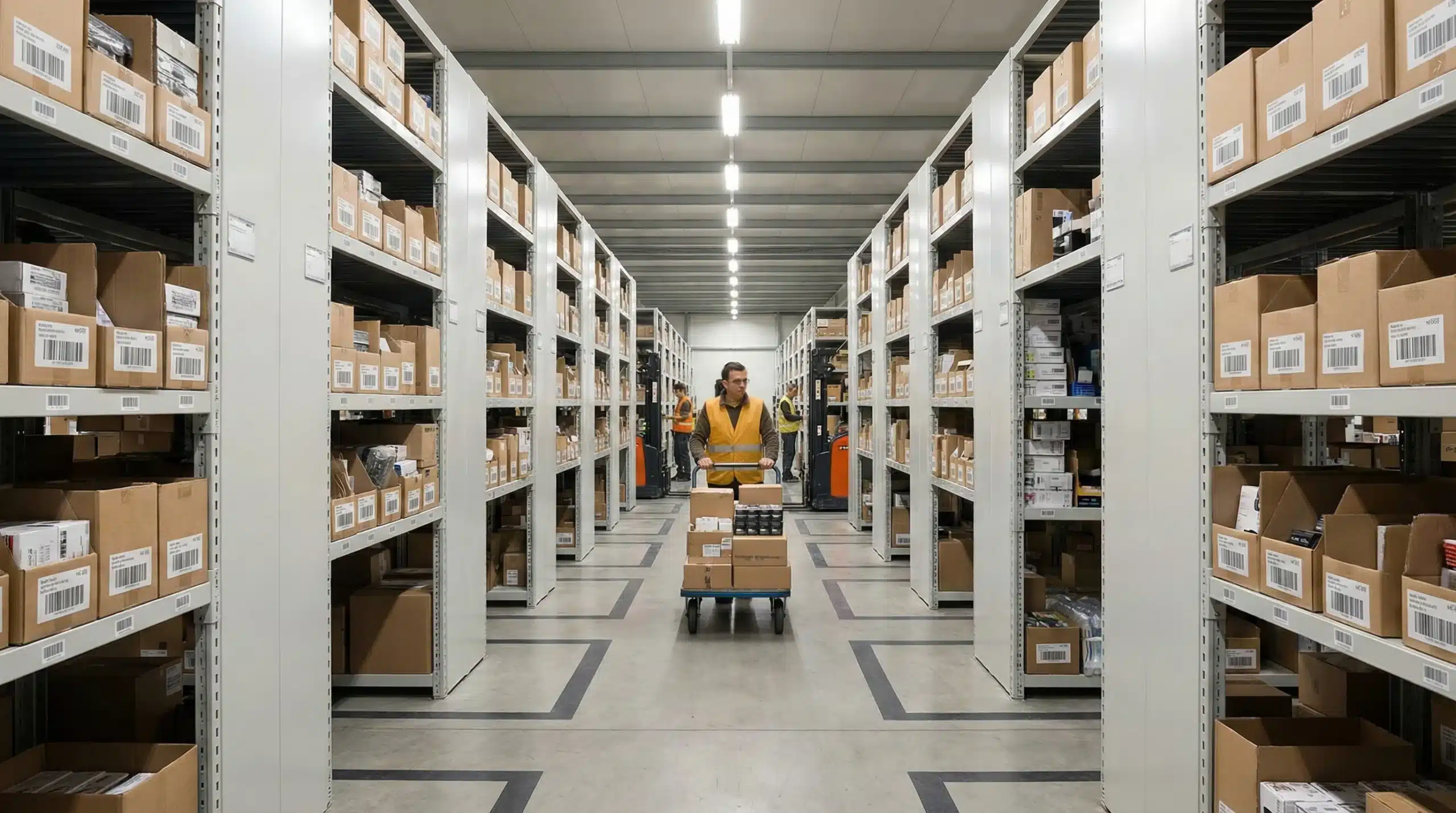
Tedious and repetitive tasks done by personnel can result in errors that cost your company thousands of dollars each month. By implementing RF scanning devices, you reduce errors by eliminating manual entry in the system. The WMS system through the use of RF scanners and barcodes directs the workers to the items needing to be picked and they can scan the location and item. This ensures that the right items are allocated and picked while in real-time reducing available inventory. And by committing to 100% RF warehouses, the ability to know where inventory is at all times, makes tasks such as cycle counting, much easier and more efficient.
5. Transparency with Real-Time Reporting
The WMS is showing results in real-time, allowing you to run reports and setup alerts as events are happening in the warehouse. The visibility of all operations provides the information needed to efficiently manage not only the warehouse operations but make more timely adjustments to improve customer service. Also, alerts or event monitoring, allows internal customer service, partners, and customers to have a real-time view of order status, shipment dates, etc. In essence, your warehouse becomes a ‘glass warehouse’ with controlled visibility to inside and outside stakeholders.
Are you looking to optimize your warehouse with a new WMS? The experts at Cadre Technologies would love to help you find a solution that works best for your business.
Frequently Asked Questions
How long does it typically take to implement a WMS?
WMS implementation timelines vary significantly based on warehouse size, complexity, and customization needs. Simple off-the-shelf solutions for small warehouses can be deployed in 2-3 months, while complex custom systems for large operations may take 6-12 months or longer. Factors affecting timeline include data migration, staff training, system integration with existing ERP platforms, and testing phases.
What’s the difference between cloud-based and on-premise WMS solutions?
Cloud-based WMS solutions are hosted remotely and accessed via internet, offering lower upfront costs, automatic updates, and easier scalability. On-premise systems are installed locally, providing greater control over data and customization but requiring higher initial investment and IT maintenance. Cloud solutions typically have faster deployment times, while on-premise offers more security control for sensitive operations.
Can small businesses afford a warehouse management system?
Yes, modern WMS solutions have become increasingly affordable for small businesses. Cloud-based systems often use subscription pricing starting at a few hundred dollars monthly, eliminating large upfront costs. The ROI typically justifies the expense through reduced labor costs, fewer shipping errors, and improved inventory accuracy. Many vendors offer scaled pricing based on warehouse size and transaction volume.
What training is required when switching to a new WMS?
WMS training typically involves both management and warehouse staff education. Managers need training on reporting, configuration, and system administration, while warehouse workers learn mobile device operation, scanning procedures, and new workflows. Most implementations include 1-2 weeks of initial training, ongoing support during go-live, and refresher sessions. User-friendly modern interfaces have significantly reduced training complexity compared to legacy systems.
How do I know if my current warehouse system needs upgrading?
Key indicators include frequent inventory discrepancies, manual paper-based processes, inability to track real-time inventory, poor integration with other business systems, and difficulty meeting customer delivery expectations. If you’re experiencing increased operational costs, struggling with order accuracy, or lacking visibility into warehouse operations, it’s likely time to evaluate WMS upgrade options for improved efficiency and accuracy.